ABOUT THE APP

Detailed feature overview

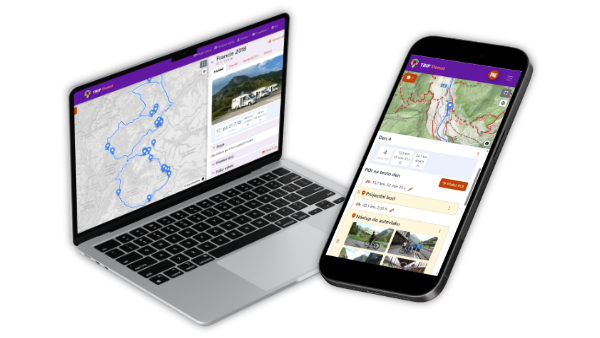
TripDonut is a complete tool for planning and organising trips. Create detailed itineraries, share trips with friends, store important documents and navigate between points of interest. Thanks to offline mode, all your information is always at hand.

You'll find details on each feature in the help →
01

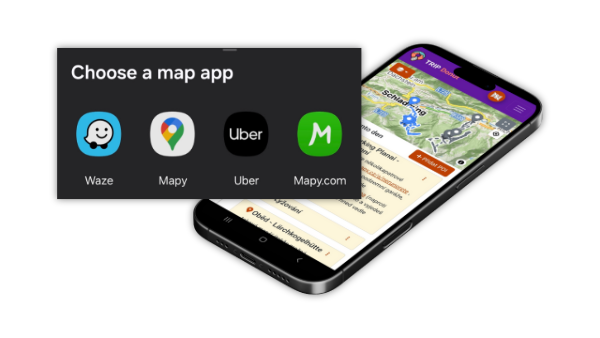
Trip planning

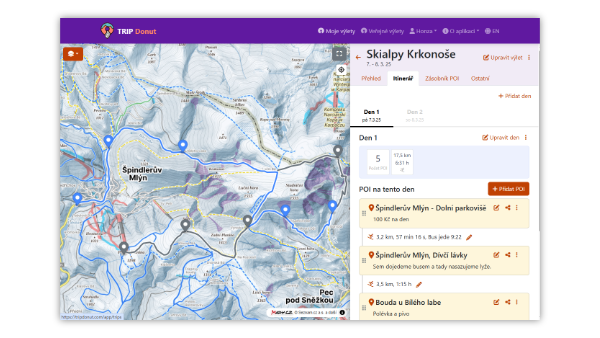
Put together a detailed plan of your journey and the places you want to visit.

  • Build an itinerary with a day-by-day plan.
  • Add places to visit (POIs) with descriptions.
  • Plan routes between points with a choice of transport and distance calculation.

Plan your trip easily and efficiently so you can enjoy every moment without worries!
Trip planning
02

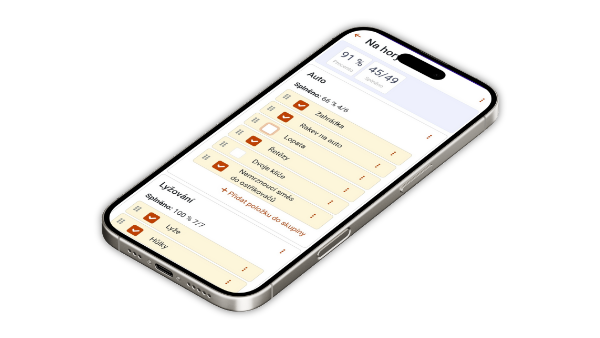
On the web and on mobile

Use TripDonut wherever it suits you best – on your computer or your phone.

  • The web app is ideal for comfortable planning on a big screen.
  • The mobile app is a great companion on the road and out in the field.
  • Offline mode gives you access to your trips even without an internet connection.

Keep TripDonut at hand – whether you're planning at home or exploring the world!

On the web and on mobile
03

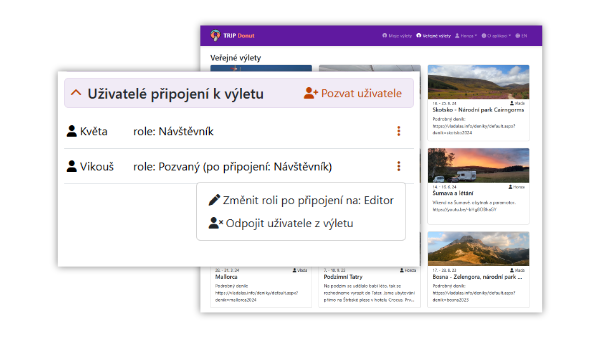
Sharing trips

Bring friends and family into your adventure or work on plans together.

  • Private or public sharing.
  • User permission management.
  • Join another user's trip.

Collaborate and plan together to make travelling even more fun!

Sharing trips
05

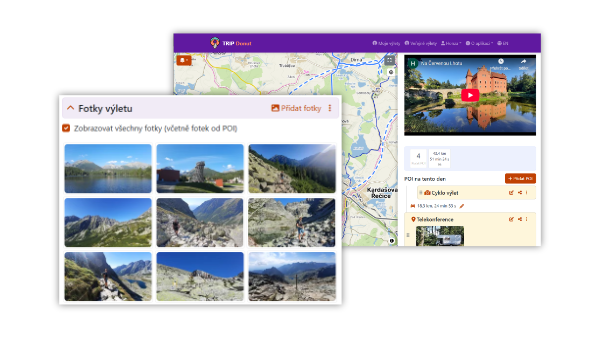
Trip photos and videos

Keep your memories right in the app and share them with others.

  • Attach photos to individual POIs.
  • Or to the gallery of the whole trip.
  • Attach videos as well.

Show others the beauty of your travels and keep all your memories in one place!

Trip photos and videos
06

Checklists

Create lists of things or tasks so you don't forget anything.

  • Create your own checklists.
  • Track the quantity and weight of items.
  • Templates for repeated use.

Pack everything you need and rest assured that everything is taken care of!

Checklists
07

More trip information

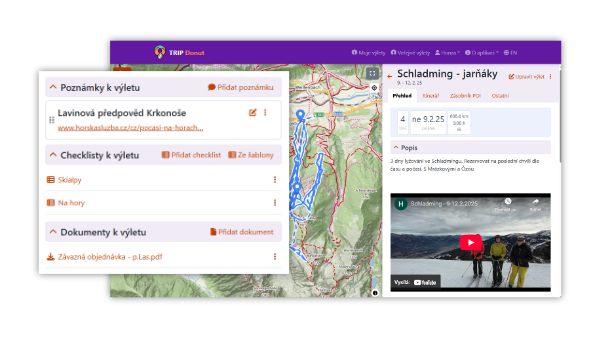
Store all your important files and notes so you always have them at hand.

  • Store documents such as flight tickets, train tickets and insurance.
  • Attach your own GPX files.
  • Keep notes for the trip and for individual POIs.

Keep all important information in one place and enjoy stress-free travel!

More trip information
08

Connecting AI assistants

Plan your trip in a conversation. TripDonut connects to AI assistants that support the MCP protocol – such as Claude or Cursor.

  • The assistant reads your trips and helps with the itinerary, routes and place descriptions.
  • On request, it adds, moves or edits places, days and notes.
  • You stay in control: you grant access with a token in settings and enable editing for each trip separately.

Let AI prepare the plan – you just choose where to go!

How to connect an assistant →

Want to try TripDonut?

Create an account and plan your first trip. If you have any questions, write to us at info@tripdonut.com.